The Best IPTV Apps in 2026 — Top 7 Tested & Reviewed
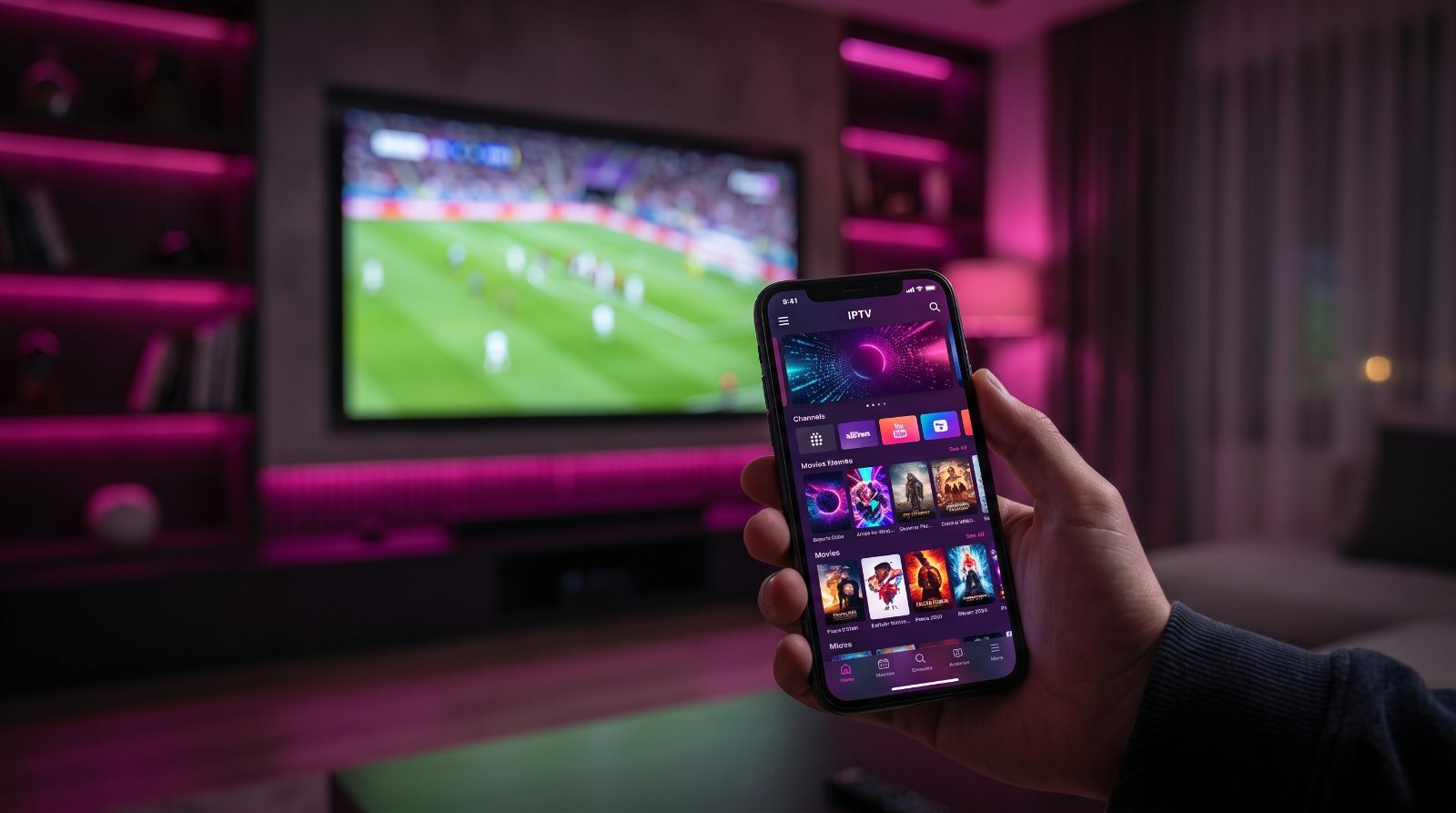
The IPTV app you choose matters just as much as the box it runs on. The right player gives you a fast, polished TV guide, instant channel switching, catch-up and recordings; the wrong one is clunky, crashes and makes even a great subscription feel cheap. In 2026 there are dozens of IPTV players competing for your home screen, but only a handful are genuinely worth installing. This guide compares the seven best IPTV apps of 2026 across Android, Fire TV, iOS, Windows and Smart TVs, with hands-on notes on speed, features and value.
Every app below was tested with the same live subscription so the only variable was the software itself. Whether you stream on a Firestick, an iPhone or a Samsung TV, there is a best pick here for you.
How We Tested the Best IPTV Apps
We evaluated each app across five criteria that decide the day-to-day experience: startup and channel-zapping speed, the quality and reliability of the EPG (TV guide), extra features such as catch-up and recording, cross-platform availability, and value for money. Each app ran the same 7,000-channel line for two weeks on a Firestick 4K Max, a Nvidia Shield, an Android phone and a Samsung Smart TV, so our verdicts reflect real use rather than a feature list.
The Best IPTV Apps for 2026 — Quick Comparison
| App | Platforms | Price | Best for |
|---|---|---|---|
| TiviMate | Android, Fire TV | Free / Premium | Best overall |
| IPTV Smarters Pro | All platforms | Free | Compatibility |
| IBO Player | Android, Smart TV | One-time fee | Clean design |
| OTT Navigator | Android, Fire TV | Free / Premium | Power users |
| Sparkle TV | Android, Fire TV | Free | Lightweight |
| XCIPTV Player | All platforms | Free / Premium | Customisation |
| Smart IPTV (SIPTV) | Samsung, LG | One-time fee | Smart TVs |
1. TiviMate — Best Overall for Android and Fire TV
TiviMate remains the gold standard for Android and Fire TV in 2026. Its interface looks and feels like a premium cable box, with a fast, reliable EPG, instant channel switching and smooth 4K playback. The free version is generous, while TiviMate Premium unlocks multiple playlists, catch-up, recording and a picture-in-picture mode that power users love.
- Pros: Best-in-class interface, superb EPG, catch-up and recording, rock-solid stability.
- Cons: Not available on iOS; best features need Premium.
2. IPTV Smarters Pro — Best for Compatibility
IPTV Smarters Pro is the most widely compatible IPTV app in the world, running on Android, Fire TV, iOS, Windows, macOS and many Smart TVs. It is completely free, easy to set up with an M3U link or Xtream Codes login, and includes a built-in media player, EPG and parental controls. It is the app we recommend to beginners and to anyone who wants the same player across several devices.
- Pros: Works on virtually every platform, free, beginner-friendly, built-in parental controls.
- Cons: Occasional lag on older hardware; interface less refined than TiviMate.
3. IBO Player — Cleanest Modern Design
IBO Player has surged in popularity thanks to a beautiful, modern interface and very fast channel switching. It runs on Android and directly on many Smart TVs, and uses a simple one-time device activation rather than a subscription. If looks and simplicity matter to you, IBO is hard to beat.
- Pros: Gorgeous UI, fast, Smart TV support, one-time fee.
- Cons: Limited advanced customisation; activation fee per device.
4. OTT Navigator — Best for Power Users
OTT Navigator competes directly with TiviMate for enthusiasts. It is packed with options — custom layouts, advanced EPG handling, catch-up, multiple playlist merging and deep playback controls. The learning curve is steeper, but no app gives you more control over how your channels look and behave.
- Pros: Extremely configurable, excellent catch-up, merges multiple playlists.
- Cons: Overwhelming for beginners; Android/Fire TV only.
5. Sparkle TV — Best Lightweight Option
Sparkle TV is a fast, free, no-nonsense player for Android and Fire TV. It is lighter than TiviMate and starts up almost instantly, which makes it ideal for older or lower-powered devices that struggle with heavier apps. You lose some polish, but you gain speed and simplicity.
- Pros: Very fast, free, low resource use, simple.
- Cons: Fewer features; basic EPG.
6. XCIPTV Player — Most Customisable
XCIPTV is a flexible cross-platform player available on Android, Fire TV, iOS and Windows. It supports M3U and Xtream Codes, catch-up, multi-screen and a range of themes. It sits between Smarters and OTT Navigator: more customisable than the former, friendlier than the latter.
- Pros: Cross-platform, themeable, multi-screen, active development.
- Cons: Some features behind Premium; occasional ads in free version.
7. Smart IPTV (SIPTV) — Best for Samsung and LG TVs
If you own a Samsung or LG Smart TV and do not want a separate box, Smart IPTV is the classic choice. It installs directly from the TV app store and loads your playlist through a simple web portal. A small one-time fee unlocks it permanently on that device.
- Pros: Native Smart TV app, no extra hardware, stable.
- Cons: Dated interface; portal-based setup; per-device fee.
Which IPTV App Should You Use?
On a Firestick or Android box: TiviMate for the best experience, or IPTV Smarters Pro if you want free and simple.
On an iPhone or iPad: IPTV Smarters Pro or XCIPTV, since TiviMate is not on iOS.
On a Samsung or LG Smart TV: Smart IPTV or IBO Player, installed straight from the TV store.
If you love tweaking: OTT Navigator gives you the deepest control.
Free vs. Paid IPTV Apps
Most of the best IPTV apps are free to start, with optional one-time fees or low-cost Premium tiers that unlock catch-up, recording and multiple playlists. Paying a few dollars for TiviMate Premium or an IBO activation is almost always worth it if you watch daily — the features genuinely improve the experience. Be wary, though, of any “app” that bundles channels for a suspiciously low price: the app and the subscription are separate things, and a good player is worthless without a reliable service behind it.
How to Install an IPTV App
On Android and Google TV, most of these apps are in the Play Store — search, install and log in with your M3U or Xtream Codes details. On a Firestick, enable apps from unknown sources and use the free Downloader app to sideload TiviMate or IPTV Smarters. On a Samsung or LG TV, install Smart IPTV or IBO from the TV app store and add your playlist via their web portal. Our complete setup guide and Firestick guide cover every step in detail.
Common Problems and Fixes
- Buffering: switch to a wired connection or Wi-Fi 6, and enable hardware decoding in the app settings.
- EPG not loading: refresh the playlist or increase the EPG update interval.
- App crashing on launch: clear the app cache, or reinstall on a device with at least 2GB RAM.
- Channels missing: confirm your subscription is active and re-add your playlist.
Key IPTV App Features Explained
Feature lists mean little until you know what each one actually does for your viewing. These are the features that separate a basic player from a great one, and the ones worth prioritising when you choose.
EPG (Electronic Programme Guide)
The EPG is the on-screen TV guide that shows what is on now and next across every channel. A good EPG loads in seconds, stays accurate, and lets you scroll days ahead. TiviMate and OTT Navigator have the best implementations; a slow or empty guide is the fastest way to tell a weak app.
Catch-up and recording
Catch-up lets you rewind the guide and watch programmes that already aired — perfect for a match you missed. Recording saves shows to your device or the cloud to watch later. Both are premium features in TiviMate and standard in OTT Navigator, and they turn live IPTV into something closer to a full DVR.
Multi-screen and picture-in-picture
Multi-screen shows several channels at once — ideal on a big TV during a busy sports weekend — while picture-in-picture keeps one channel in a corner while you browse. If you follow multiple games, prioritise an app that offers these.
Favourites, sorting and hiding
With thousands of channels, organisation matters. The best apps let you build favourite lists, reorder channels, and hide categories you never watch (including locking adult content behind a PIN). This is what makes a huge line feel manageable rather than overwhelming.
External players and codec support
Some apps let you switch playback engine (built-in, ExoPlayer or VLC) to fix a stubborn stream. Broad codec support — especially H.265/HEVC — means more channels play smoothly and use less bandwidth. It is a quiet feature that makes a big difference on weaker connections.
What Affects IPTV App Performance
If an app feels slow, the app itself is rarely the whole story. Channel-zapping speed depends on your device processor, your connection and the server you are streaming from. A modern box on a wired connection will feel instant in almost any app, while an ageing stick on weak Wi-Fi will struggle even in a lightweight player like Sparkle. Before blaming the software, try a wired connection, enable hardware decoding, and make sure the device has at least 2GB of RAM. Then choose the app that best matches that hardware — TiviMate and OTT Navigator reward a powerful box, while Sparkle and IPTV Smarters run happily on modest devices.
Is It Safe to Use IPTV Apps?
The apps themselves — TiviMate, IPTV Smarters Pro, IBO, OTT Navigator and the rest — are legitimate media players, downloaded by millions and safe to install from official sources. What matters for safety is where you get the app and the service behind it. Always install from the Play Store, the Amazon Appstore, the official website or the app developer’s own Downloader link, never from a random file shared in a group chat. On the service side, stick to a provider with a real website, responsive support and a free trial. A trustworthy player plus a trustworthy service is a safe, reliable combination; problems almost always trace back to a shady seller, not the app.
Getting the Most from Your IPTV App
A few minutes of setup pays off every day. Build a favourites list of the 20–30 channels you actually watch so you are not scrolling through thousands. Set up the EPG and, if your app supports it, enable catch-up so you never miss live events. Lock adult categories behind a PIN if children use the TV. Turn on hardware decoding for smoother 4K, and keep the app updated so you get the latest performance and stability fixes. Done once, these tweaks make any of the apps above feel noticeably faster and more personal.
TiviMate vs. IPTV Smarters Pro: Which Should You Pick?
These are the two most popular IPTV apps in the world, and most people end up choosing between them. TiviMate wins on polish: a beautiful, TV-first interface, the best EPG in the business, and premium extras like recording and multiple playlists. The trade-off is that those extras need a paid Premium licence and the app is Android/Fire TV only. IPTV Smarters Pro wins on reach and price: it is completely free and runs on virtually every platform, including iPhone, iPad and Windows, with a built-in player and parental controls.
Our rule of thumb: if you watch mostly on a Firestick or Android box and want the best possible experience, pay for TiviMate Premium. If you switch between an iPhone, a laptop and a TV, or you simply want something free and foolproof, IPTV Smarters Pro is the smarter pick. Many users install both — Smarters as a reliable fallback, TiviMate as the daily driver.
IPTV Apps vs. Built-in Smart TV Apps
Modern Samsung, LG and Android TVs can run IPTV directly, which raises a fair question: do you even need a third-party app? For casual viewing, native options like Smart IPTV or IBO Player are convenient because there is no extra hardware. But dedicated apps on a fast box almost always deliver a better experience — snappier menus, a superior EPG, catch-up and recording, and far more frequent updates. Smart TV software also ages quickly and is often the first thing a manufacturer stops updating. If you watch IPTV daily, a $50 streaming box running TiviMate will outperform even a premium Smart TV’s built-in player, and it is easy to move between rooms or take with you.
Do IPTV Apps Work on Mobile and On the Go?
Yes — one of the underrated benefits of IPTV is that the same subscription works on your phone and tablet. IPTV Smarters Pro and XCIPTV are excellent mobile players for iOS and Android, so you can watch live TV on the train, in a hotel or in the garden. Over mobile data, drop the stream to HD rather than 4K to keep data use reasonable — an hour of HD IPTV uses roughly 1–1.5 GB, versus 3 GB or more for 4K. On Wi-Fi there is no such concern. Because your login travels with you, there is nothing extra to buy: install the app on your phone, enter the same M3U or Xtream Codes details, and your full channel list is there wherever you are.
Ready to Get Started?
The best app is only as good as the service behind it. FireviewTV delivers 7,000+ channels, full VOD and 72-hour catch-up to any of these players. Try our free 24-hour trial or see our IPTV plans.
Related Articles
- Best IPTV Box in 2026
- Complete IPTV Setup Guide
- How to Choose an IPTV Provider
- Top 5 Best IPTV Subscriptions
Frequently Asked Questions
What is the best IPTV app in 2026?
TiviMate is the best overall IPTV app for Android and Fire TV thanks to its polished interface, reliable EPG and recording features. For iOS and cross-platform use, IPTV Smarters Pro is the best free choice.
Are IPTV apps free?
Most of the best IPTV apps are free to start. Some, like TiviMate and OTT Navigator, offer a low-cost Premium tier, while IBO Player and Smart IPTV use a small one-time activation fee.
What is the best IPTV app for iPhone?
TiviMate is not available on iOS, so the best iPhone and iPad options are IPTV Smarters Pro and XCIPTV Player, both of which support M3U and Xtream Codes logins.
Do I need a subscription to use an IPTV app?
Yes. The app is just the player — it needs an IPTV subscription (an M3U link or Xtream Codes login) to display channels. The app and the service are separate.
What is the best IPTV app for Firestick?
TiviMate is the top Firestick app, with IPTV Smarters Pro and Sparkle TV as excellent free alternatives. All install via the Downloader app.
Which IPTV app has the best TV guide (EPG)?
TiviMate and OTT Navigator have the most reliable and detailed EPGs, with catch-up support that lets you rewind the guide by up to several days.
Can I use one IPTV app on all my devices?
Yes — IPTV Smarters Pro and XCIPTV run on nearly every platform, so you can keep the same player across your phone, TV box and computer.
Does FireviewTV work with these apps?
Yes. FireviewTV works with TiviMate, IPTV Smarters Pro, XCIPTV and the others. Start with a free 24-hour trial and load it into your favourite player.
Ready to start streaming?
Join 44,000+ customers since 2018 — 7,000+ channels in 4K, 30-min activation, 24/7 support.